NCSE - Digital Technology to Support an Inclusive Learning Environment (Primary & Post Primary)
Event Information
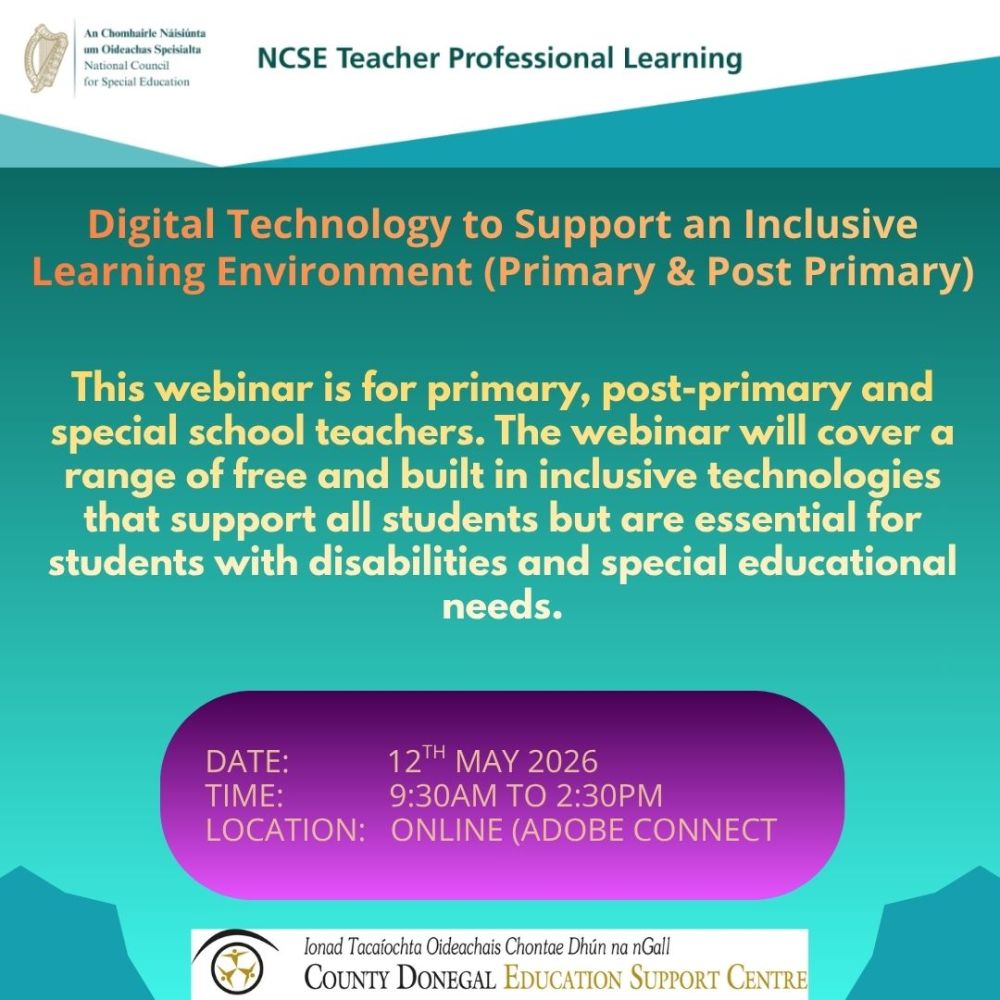
This webinar is for primary, post-primary and special school teachers. The webinar will cover a range of free and built in inclusive technologies that support all students but are essential for students with disabilities and special educational needs.
Event Description
In this webinar, participants will learn how digital technology and standard IT can be used for all students. The strategies covered in this seminar, in line with the principles of Universal Design for Learning (UDL), will show how these tools can be embedded into teaching and learning and ensure all students can engage meaningfully with the curriculum.
Anticipated Outcomes
Participants will:
- Understand the role of free and built in inclusive technologies in supporting all students to access teaching and learning, with a particular focus on supporting the inclusion of EAL students and students with SEN.
- Understand how digital technology supports the design of learning experiences using the three core principles of UDL
- Learn how to make their teaching and learning materials more accessible using digital technology
- Be able to support colleagues in the use of digital technology
- Understand the challenges that exist to the effective use of digital technology and explore possible solutions.
Seminar Outline and Content
- Access UCC’s free Technology to Make Learning Easier resource/course and explore how it supports teaching and learning for all students
- Learn how to access software and resources to support students to develop touchtyping skills.
- Learn how speech-to-text tools and mind mapping software can support students with written work
- Explore the features of phones/tablets, Office 365 and Google and empower teachers to use these assistive features to support all learners.
- Understand how to embed technology in the Digital Learning Framework
- Participants should have access to a Windows laptop or desktop (preferably Windows 10 but not essential) on the day of the seminar, with a licensed copy of Microsoft Office (preferably Office/Microsoft 365 but not essential).
- Click here to get details on how to check what version of windows is running on your computer.
- Click here to get details on how to check what version of office is running on your computer.
- Participants should also have basic computer skills, such as managing folders and programs, mouse operation and web browsing skills.
- Knowledge of specialist software or advanced skills are not required.
- Participants should have their phone or any tablets they use charged and to hand to explore their built-in literacy support features.
- Participants will also be invited to install free apps on their phone/tablets to explore their uses in supporting reading/writing difficulties.
An NCSE Certificate of Attendance is available to participants.
Participants will require permission from their Board of Management to attend. Typically, substitution for this full-day professional learning experience will only be allowed to class and subject teachers and if it is deemed essential by the principal.
Course Details
| Start Date | 12-05-2026 9:30 am |
| End Date | 12-05-2026 2:30 pm |
| Individual Price | Free |
| Location | Online |